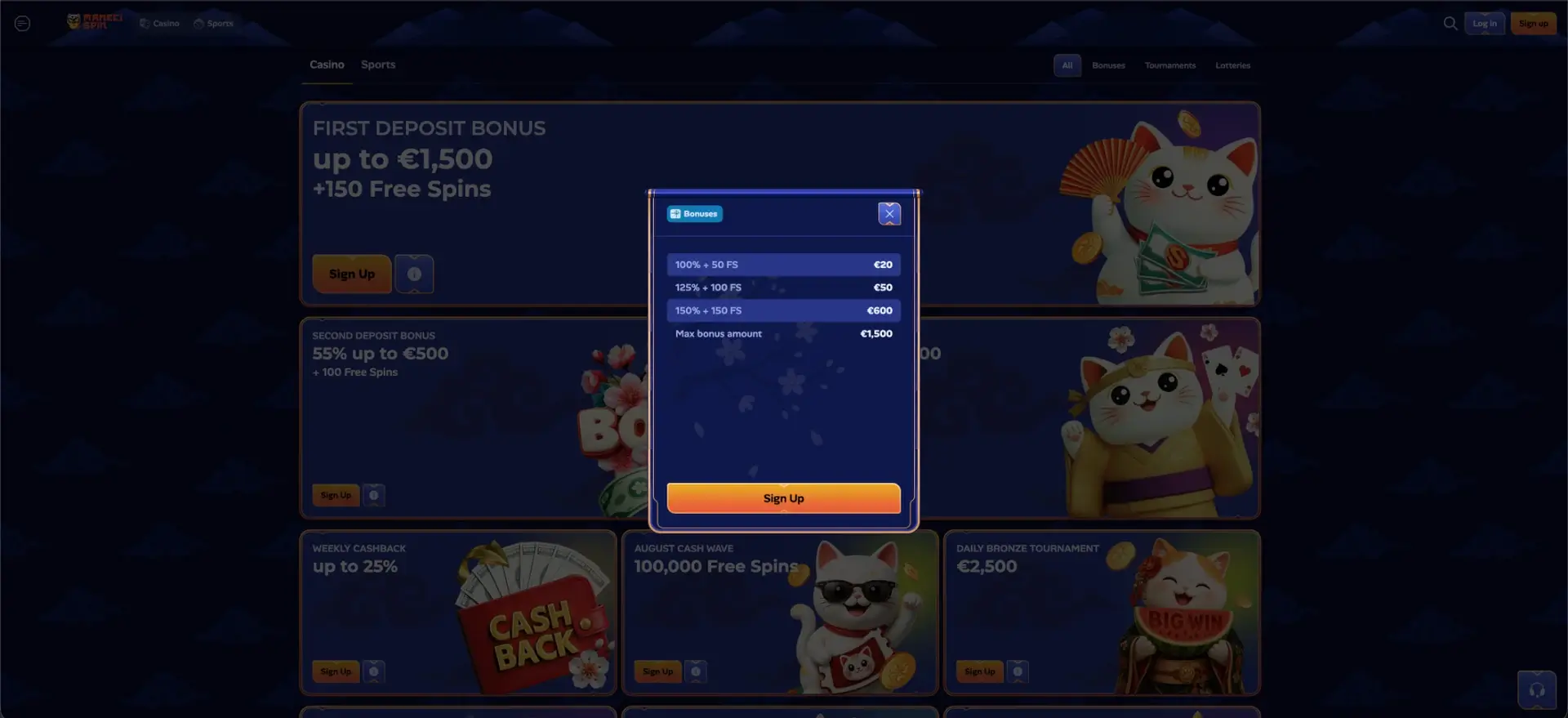
The ManekiSpin app is a free Progressive Web App (PWA) that installs in under a minute and provides access to the full casino from iPhone, iPad, Android devices, and desktop computers. It uses the same credentials as the web account, with no separate profile, and includes more than 6,000 games, a welcome package of up to CA$2,500 + 250 free spins, the sportsbook, a Wallet for deposits and withdrawals in Canadian dollars, and push notifications for bonuses and promotions. It does not require large downloads from an app store and remains lightweight and compatible with almost every device.
This page explains how to install the ManekiSpin app on iOS and Android, which features are available on mobile, how to manage payments, and which security tools are active in the mobile version.
| Feature | Details |
|---|---|
| App type | PWA (Progressive Web App) |
| Cost | Free |
| Installation time | Under one minute |
| Devices | iPhone, iPad, Android, and desktop |
| Account | The same credentials as the web version |
| Game catalogue | More than 6,000 titles, identical to desktop |
| Canadian-dollar payments | Full Wallet with deposits and withdrawals in CAD |
| Push notifications | Available with user consent |
| Offline mode | View selected previously loaded content |
| Updates | Automatic, with no manual downloads |
Is there a ManekiSpin app for Android and iOS?
ManekiSpin does not provide a conventional app-store download. Instead, it offers a PWA with the same functions as the desktop version. This approach has several advantages over traditional platform-specific apps. The main benefits are listed below.
- It is lightweight and compatible with most devices, including desktop computers.
- It does not require large downloads or files from uncertain sources.
- It uses one shared account across web and mobile.
- It updates automatically without manual action.
In practice, the PWA delivers the experience of an installed app while preserving the simplicity and security of browser access.
How to install the ManekiSpin app
The PWA is installed directly from a mobile browser in a few steps, without using the App Store or Google Play. The process is essentially the same on iOS and Android; only the name of the browser-menu option changes. Follow these steps.
- Open the official ManekiSpin site in a mobile browser.
- Add the casino icon to the Home Screen using the appropriate browser option.
- Wait for the icon to appear on the smartphone screen.
- Select the icon to register or log in to an existing account.
Once installation is complete, the app opens ManekiSpin directly without requiring the browser to be reopened each time.
Installation on iPhone and iPad
On Apple devices, the option for adding the site to the Home Screen is found in the browser’s share menu. After opening the site, select the option that adds the icon to the Home Screen and confirm the name. The icon will appear among the apps and open the casino with one tap.
Installation on Android
On Android devices, the option for adding the site to the Home Screen is available in the browser menu. Select and confirm it to create the ManekiSpin icon on the screen and open the casino directly.
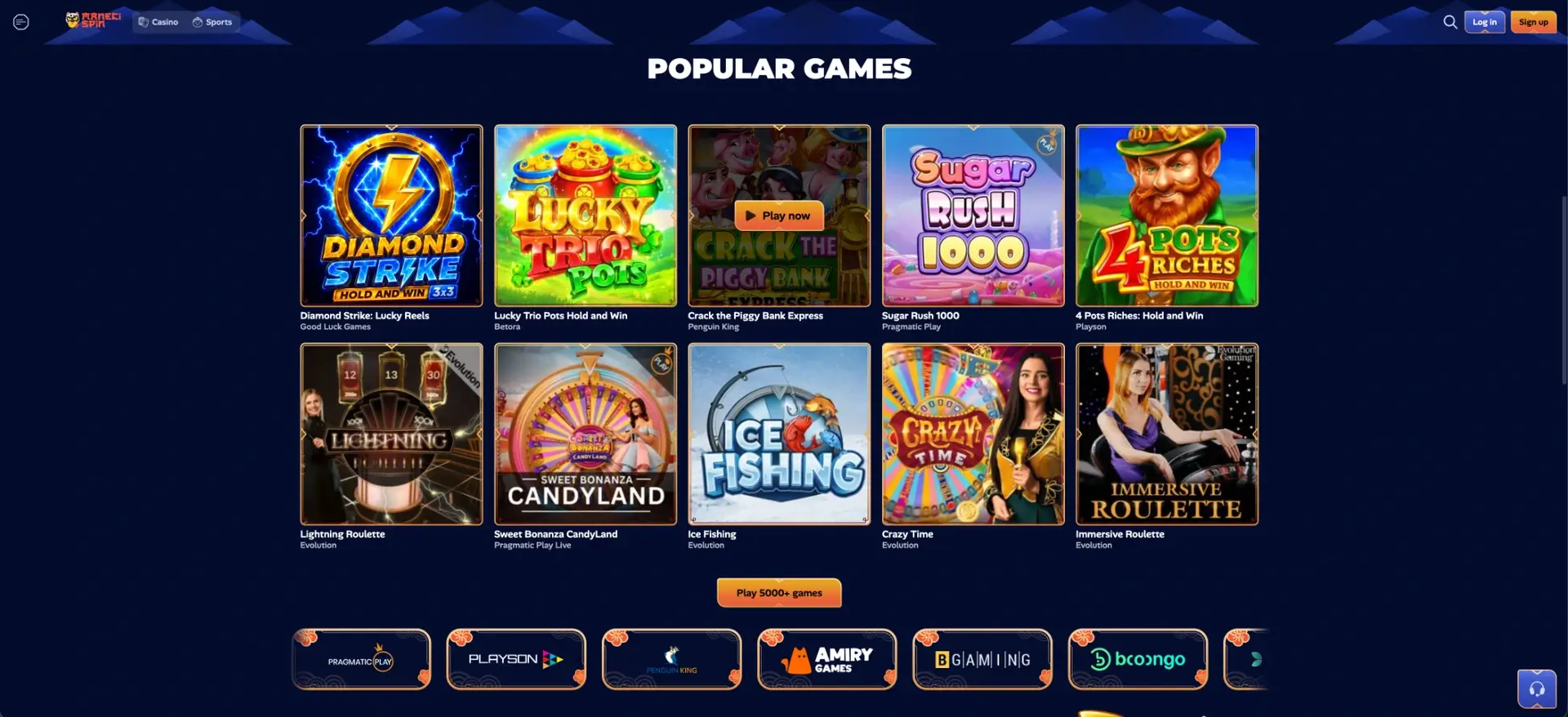
Features available in the app
The mobile version reproduces the desktop platform’s features, from gaming to account management. Everything available on a computer is also accessible through the app. These are the main areas.
- Full catalogue: more than 6,000 games, including slots, live casino, and instant-win titles.
- Bonuses and promotions: welcome package, cashback, rakeback, and tournaments.
- Sports betting: the Sports schedule with Live, Upcoming, and the Betslip.
- Wallet: deposits and withdrawals in Canadian dollars with balance display.
- Personal account: History, Security Settings, Gambling Controls, and Notifications.
Push notifications, enabled with the user’s consent, provide alerts about new promotions and bonuses, while offline mode allows selected previously loaded account content to be viewed.
Mobile performance
ManekiSpin’s responsive design adjusts the interface to the type and size of the screen, keeping navigation smooth even on compact devices. Some aspects still depend on connection quality. Keep the following points in mind.
- Slots and instant-win games launch directly in the mobile browser.
- Live casino games and video slots require a stable connection.
- The Wallet section supports deposits and withdrawals in Canadian dollars just as it does on desktop.
- Updates are automatic and do not interrupt use.
Account synchronization makes it possible to start a session on a computer and continue on a smartphone without losing data or settings.
Mobile deposits and withdrawals in Canadian dollars
Payments in the app are managed through the Wallet interface under the same conditions as the desktop version. The minimum deposit is CA$20, and the minimum withdrawal is CA$50 in most cases. The table summarizes methods and processing times.
| Transaction | Minimum amount | Processing time |
|---|---|---|
| Card or e-wallet deposit | CA$20 | Instant credit |
| Bank-transfer deposit | CA$20 | Usually within 24 hours, up to 5 business days |
| Card or bank-transfer withdrawal | CA$50 | Up to 3 business days |
| E-wallet withdrawal | CA$50 | Within 24 hours |
| Cryptocurrency withdrawal | CA$50 | Usually almost instant |
Any fees, when applicable, are displayed clearly during the withdrawal process. Deposit limits can also be set from the app to help manage the budget.
Security in the mobile version
The mobile version uses the same security measures as the website, including account-protection settings. Identity verification follows the KYC policy applied to withdrawals. These tools are available.
- Two-factor authentication enabled through the Security Settings section.
- A session log for monitoring account access.
- KYC verification required for the first withdrawal and completed only once.
- Responsible-gambling tools such as deposit limits and self-exclusion.
Because the PWA is not downloaded from an external store, it also reduces the risk associated with installing unofficial files.
Usage tips for players in Canada
Only a few practical steps are needed to get the most from the ManekiSpin app in Canada. These suggestions can help.
- Install the PWA for faster access to everyday sessions.
- Enable push notifications to avoid missing promotions such as Sunday Reload.
- Set a deposit limit in Canadian dollars from the start to manage the budget.
- Use a stable connection for live casino games and in-play sports betting.
With one account and synchronization across devices, switching between desktop and mobile remains immediate.
Frequently asked questions about the ManekiSpin app
Below are answers to the most common questions about the ManekiSpin app.
Is the ManekiSpin app free?
Yes. The PWA is free and installs in under a minute without downloading large files from an app store.
Which devices support the app?
The PWA is compatible with iPhone, iPad, Android devices, and desktop computers and uses the same credentials as the web account.
Do I need a separate account for the app?
No. The app uses the same account as the web version, and data is synchronized automatically across all devices.
Can I play offline?
Offline mode allows selected previously loaded content to be viewed, but video slots and live games require a stable connection.
Does the app support deposits and withdrawals in Canadian dollars?
Yes. The app’s Wallet manages deposits and withdrawals in Canadian dollars under the same conditions as desktop, with a CA$20 minimum deposit and a minimum withdrawal generally set at CA$50.